
Why Storage Data Analysis Matters
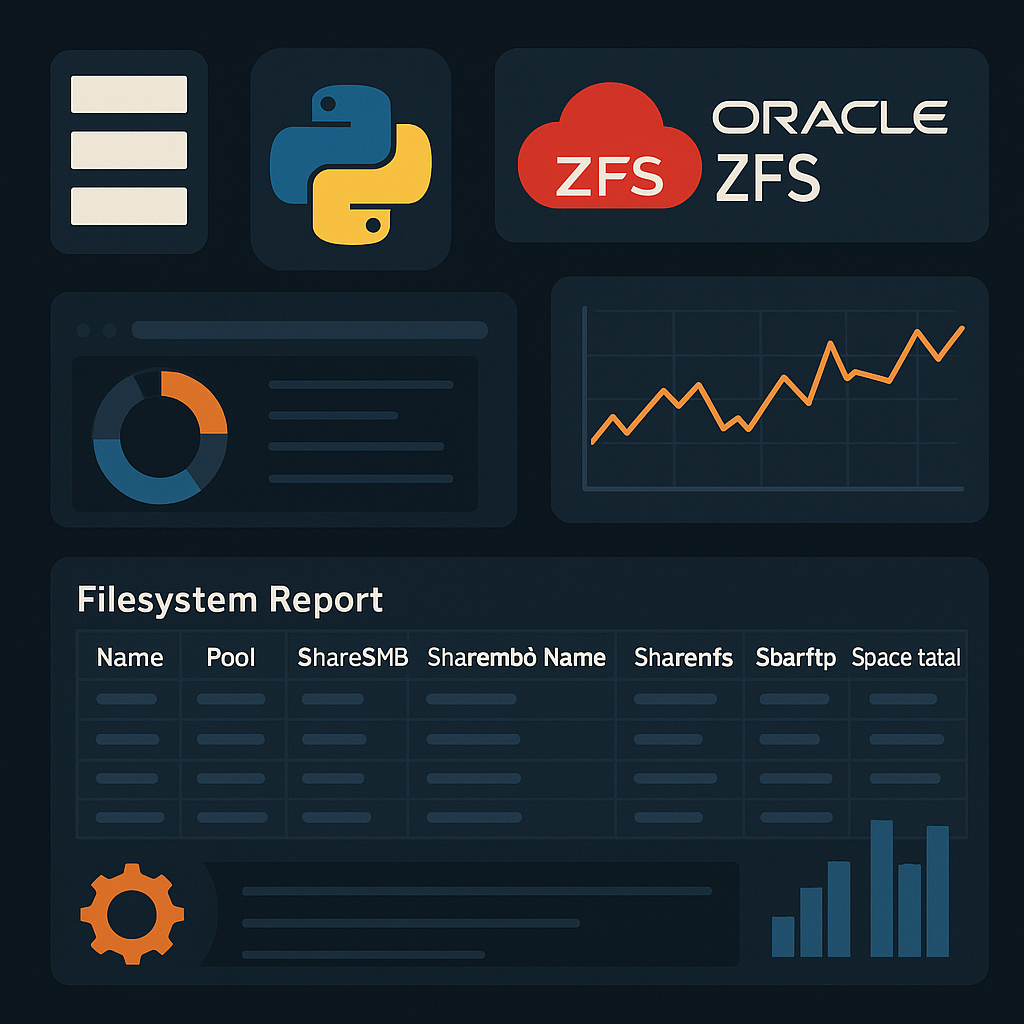
The ZFS Filesystems Reporter solves this problem by automating the entire process. This Python script connects to Oracle ZFS Storage Appliances via their REST API, retrieves comprehensive filesystem information, and exports clean, structured data to both CSV and JSON formats—all while maintaining enterprise-grade security through HashiCorp Vault integration.
What the tool does, in one sentence
It securely queries an Oracle ZFS appliance for all filesystems and their share settings, then generates CSV and JSON reports that can be used for audits, dashboards, or day-to-day operations.
The Problem It Solves
Without automation, gathering filesystem information looks like this:
- Click through the ZFS browser UI and export partial lists
- Run ad-hoc commands on one appliance at a time
- Paste results into spreadsheets manually
This doesn’t scale when you have multiple appliances, mixed SMB/NFS/FTP shares, and frequent configuration changes. It’s also error-prone and time-consuming.
Oracle exposes a REST API for automation, but working directly with raw HTTP calls and JSON can be repetitive. This script wraps that entire workflow into a single, repeatable CLI command.
Why this matters
- Reduces manual effort for regular inventory and capacity checks
- Standardizes reports across environments and teams
- Makes it easier to integrate storage data into monitoring and planning
- Aligns with real-world SRE and storage engineering workflows
Real-World Use Cases
🤖 Automation Integration
📋 Compliance Auditing
⚡ Performance Troubleshooting
🔍 Configuration Drift Detection
Key Components Explained
Authentication with Vault Integration
					def get_headers():
    vault_path = 'it-storage/KVv1/oracle/ZFS/zapi_ro_user'
    secrets = Vault(vault_path).get_secret()
    if secrets['Error']:
        raise Exception(f'Failed to retrieve secrets from vault path: {vault_path}')

    request_headers = {
        'Content-Type': 'application/json',
        'X-Auth-User': secrets['Data']['username'],
        'X-Auth-Key': secrets['Data']['password']
    }
    return request_headers
Data Retrieval and Transformation
					def get_projects(storage):
    request_headers = get_headers()
    filesystems_url = f'https://{storage}:215/api/storage/v1/filesystems'

    response = requests.get(url=filesystems_url, verify=False, headers=request_headers)
    response.raise_for_status()

    filesystems = response.json().get('filesystems', [])

    rows = []
    for fs in filesystems:
        row = [
            fs.get('name'),
            fs.get('pool'),
            fs.get('sharesmb'),
            fs.get('sharesmb_name', ''),
            fs.get('sharenfs'),
            fs.get('shareftp'),
            fs.get('space_data'),
            fs.get('space_total')
        ]
        rows.append(row)

    return rows
Flexible Output Formatting
The script doesn’t force you into one data format. By exporting both CSV and JSON, it accommodates different use cases:
- Analysts can open CSV files directly in Excel
- Automation scripts can consume JSON via REST APIs
- Monitoring tools can ingest either format
Get the Script: Access the GitHub Repository
- Full source code with extensive comments
- Detailed installation instructions
- Advanced usage scenarios
- Documentation on extending the script for your specific needs
Getting Started
1. Prerequisites
					# Required Python packages
pip install requests pandas docopt tabulate
Before running the script, make sure you have:
- Access to a HashiCorp Vault instance with ZFS credentials stored
- Network access to your ZFS Storage Appliance on port 215
- The custom vault module (
mods.common.vault.ver2.vault)
2. Basic Usage
python Filesystems_Reporter.py -s <ZFS_HOSTNAME> -fl <OUTPUT_FILENAME>
Example Usage
python Filesystems_Reporter.py -s zfs-prod-01 -fl storage_report
This will connect to zfs-prod-01, retrieve all filesystem data, and generate storage_report.csv and storage_report.json
3. Previewing Data in the Terminal
-v or --view flag:
python Filesystems_Reporter.py -s zfs-prod-01 -fl storage_report -v 10
Key Takeaways
The ZFS Filesystems Reporter is a compact example of how I approach real-world infrastructure problems with code:
- Turning a vendor REST API into a usable automation tool that actually fits into day-to-day operations
- Integrating securely with secret management (Vault) instead of hardcoding sensitive details
- Designing a CLI that’s friendly for both humans and CI/CD pipelines
- Using pandas to bridge the gap between infrastructure data and analysis/reporting
For storage engineers, SREs, and DevOps teams, this kind of tool reduces repetitive work, lowers the risk of manual mistakes, and provides better visibility into Oracle ZFS environments. For recruiters or clients, it demonstrates my ability to design and implement practical automation around complex systems, with a focus on security, reliability, and usability.